
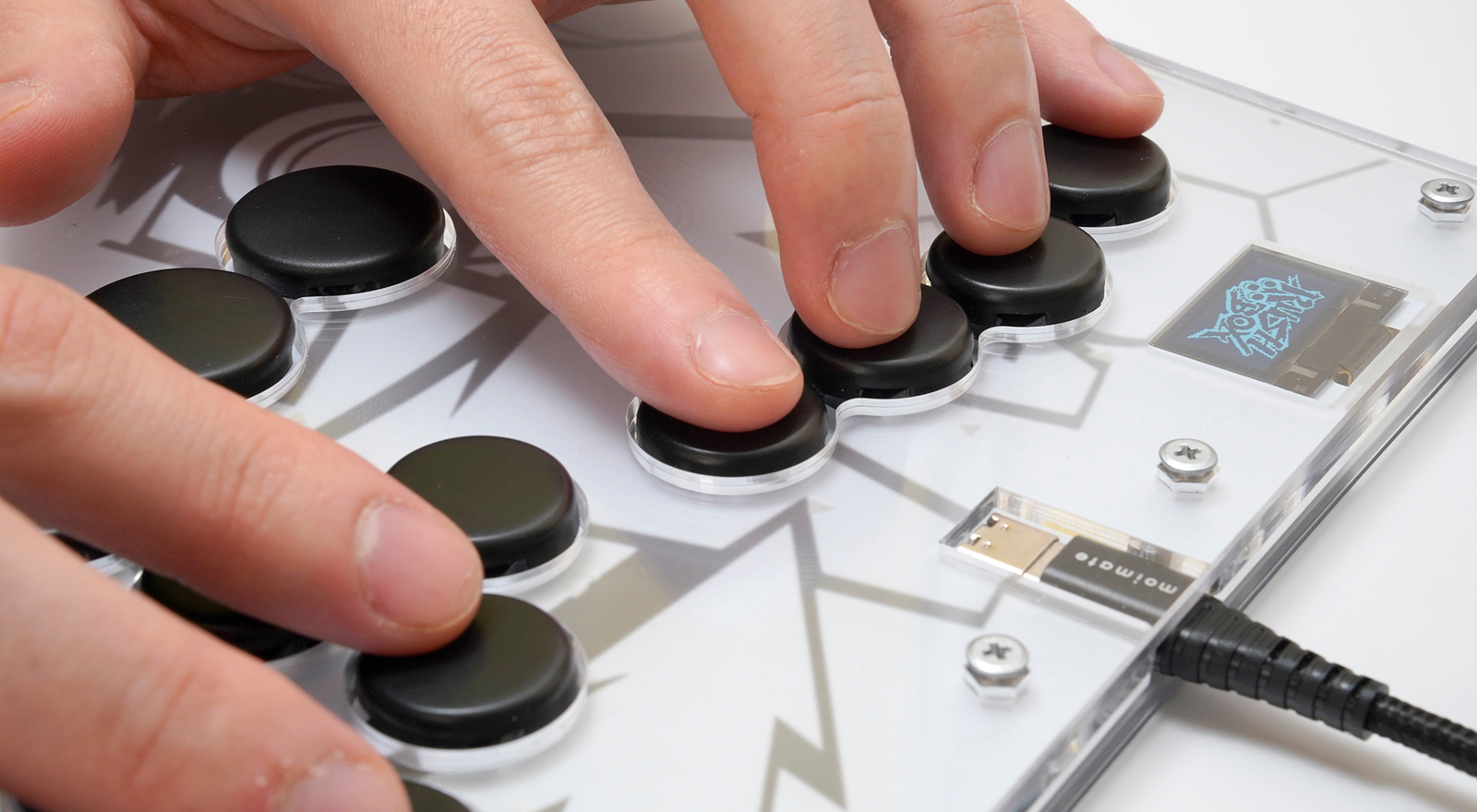
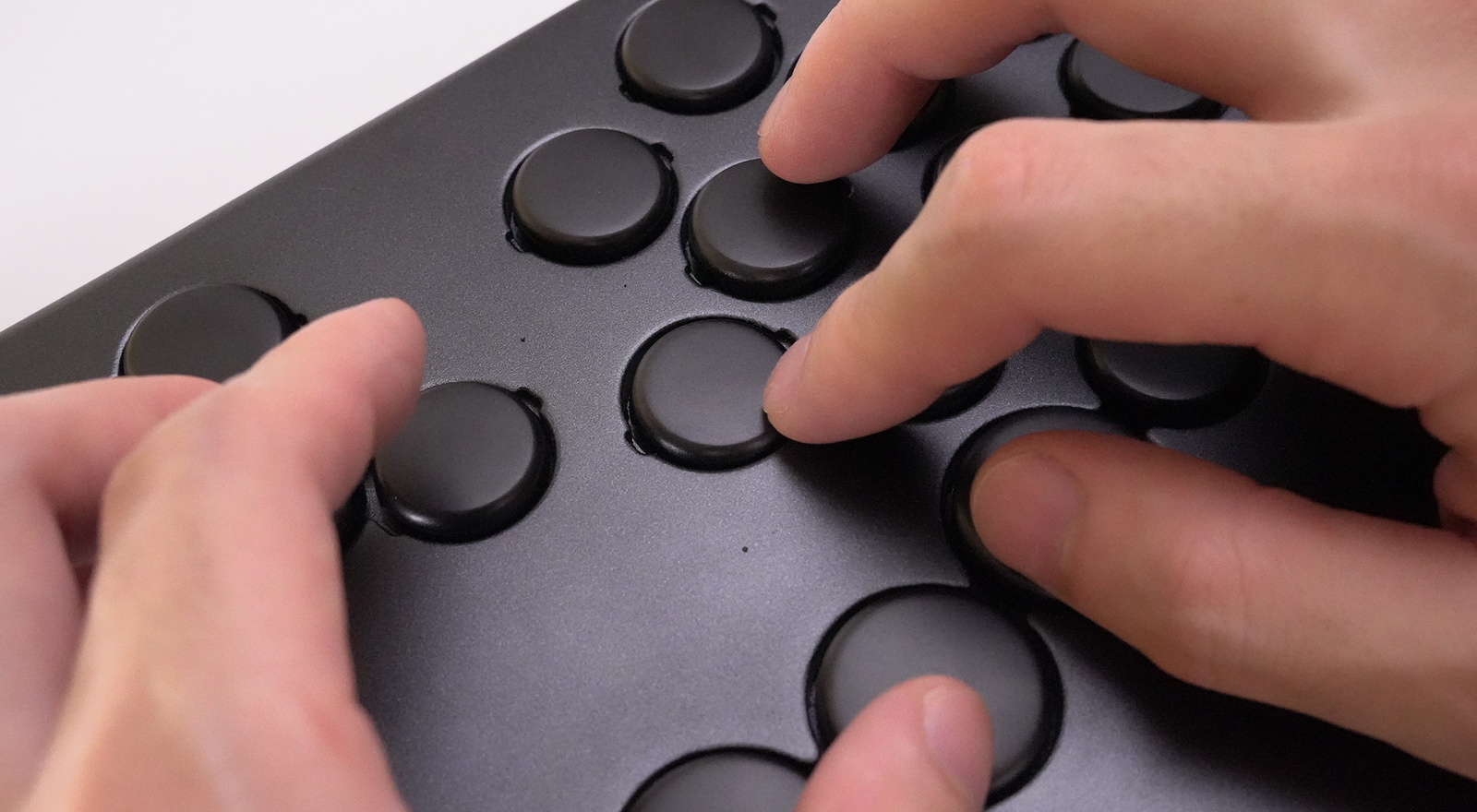


Button spacing that feels natural
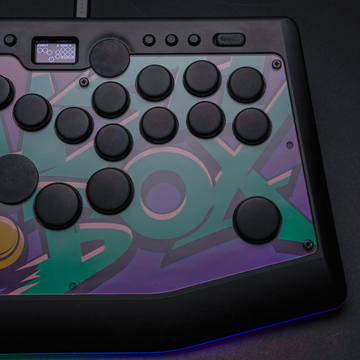
The buttons are placed so your fingers can reach them naturally without stretching. The unique layout also makes slide inputs, piano inputs, and flick-style inputs easier to perform.
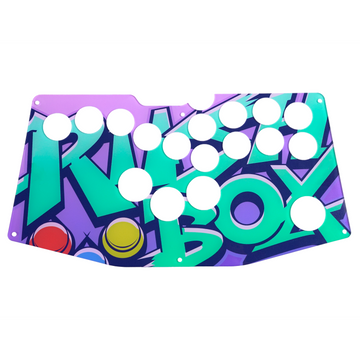
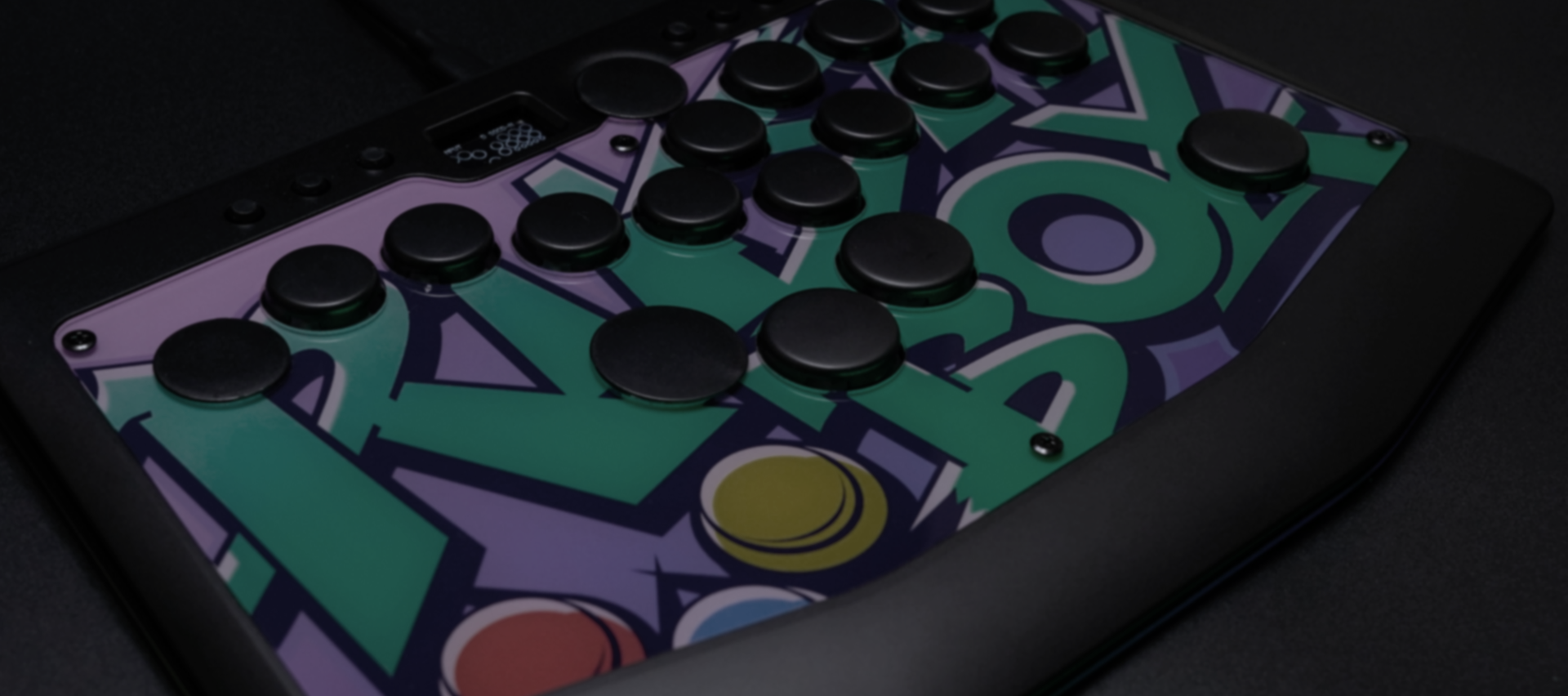
期間限定コラボモデル
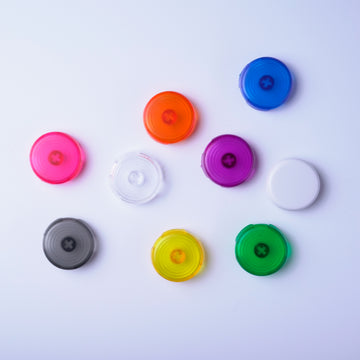
描き下ろしイラストを使用した限定天板と、イメージカラーのボタンキャップをセットにしたコラボモデルが登場。

Designed to eliminate those “just out of reach” moments.
Designed to eliminate
those “just out of reach” moments.
Inputs feel slightly delayed.
Some buttons are hard to reach.
Your hands tense up during long play sessions.
The Rushbox series is a lineup of leverless controllers
built to reduce the small frustrations that happen during fighting games,
with redesigned button layouts, key feel, and customization.
The Rushbox series lets you choose the leverless controller that fits you best, based on response speed, customization, price, and portability.

Fastest response with microswitches
For players who want to push input speed further with a 0.3 mm actuation point.

Make every detail your own
Supports custom top plates. Best when you want both the look and feel tailored to you.

High flexibility, more accessible
For players who want a full 18+6 button layout with a strong balance of features and price.

Easy to reach. Natural to hold.
A compact model in the 10,000-yen range and about 650 g. Great as a first leverless or for portability.
Comfortable hand placement, more button options, and an easy-to-handle slim body.
Every detail is designed around actual fighting game use.
The buttons are placed so your fingers can reach them naturally without stretching. The unique layout also makes slide inputs, piano inputs, and flick-style inputs easier to perform.


More buttons are placed near the index finger and thumb, where your fingers move more easily. Some models also include palm buttons that can be pressed by simply lowering your hand without changing position. Unused buttons can be covered, letting you use a layout that fits your hands.


With a slim body of just 15 to 22 mm, the Rushbox series is easy to store and carry. It is built for everything from home practice to local meetups and tournaments.
★★★★★
Easy to use, even with smaller hands!
★★★★★
Simultaneous and staggered button presses feel easier!
★★★★★
The palm button for Drive Impact feels amazing!
★★★★★
My combo input accuracy improved!
★★★★★
I can choose a button layout that fits me!
★★★★★
Easy to carry around!
See the feel, size, and operation of each model through its official PV.
For players who want to see the balance between customization and price.
For players who value response speed and a crisp click feel.
For your first controller, or when portability matters.
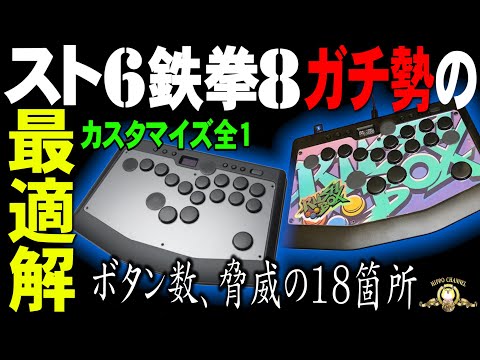
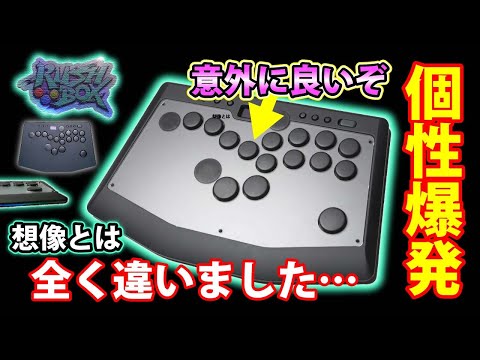
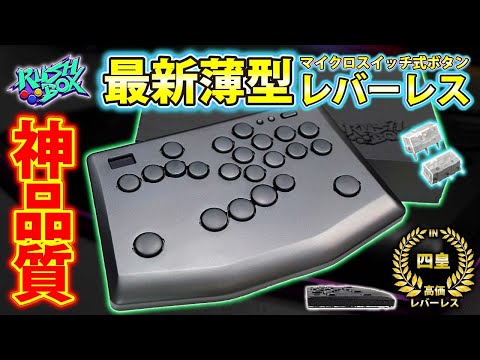
We have gathered some YouTube videos that introduce the Rushbox series by product. These videos help you see the feel, size, and real-world use that can be hard to capture in official PVs alone.

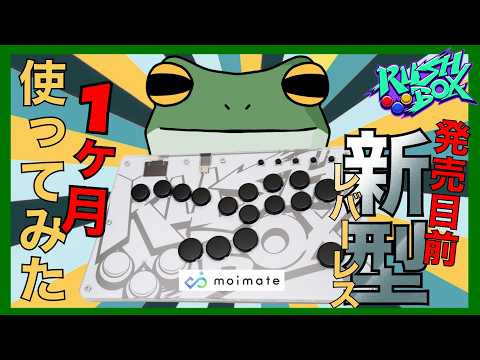
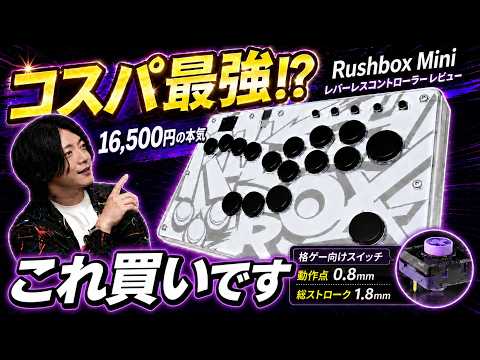
Compact, lightweight, and quiet. Rushbox Mini is a slim leverless controller with a natural 16-button layout and quiet switches designed for fighting games. From home practice to local meetups, it is an easy first controller to start with.
Compatible with PC / Switch / Switch 2. PS4 / PS5 / Xbox can be used with a separately sold converter.
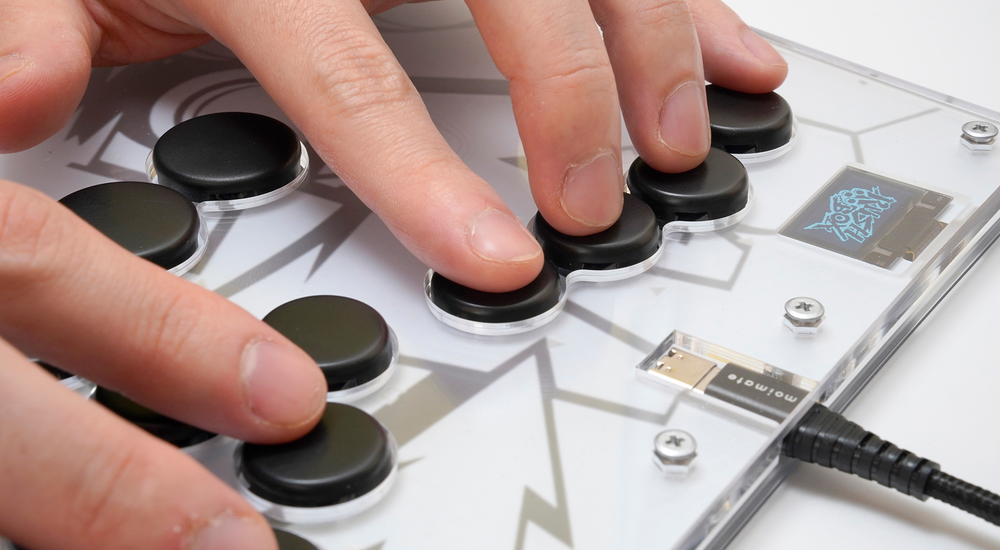
A unique layout that makes it easy to reach the main buttons just by placing your hands down. The pinky-side controls are combined into one large, easy-to-press button.

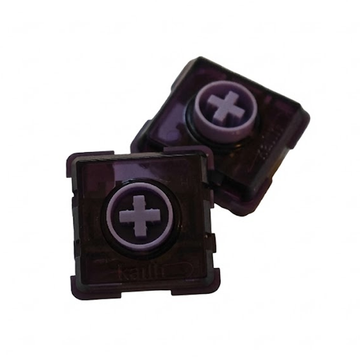
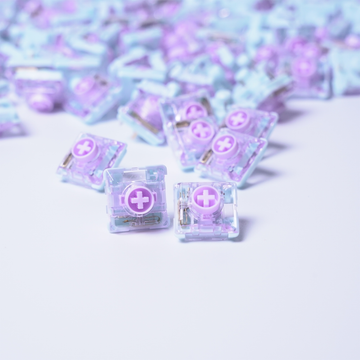
Uses Kailh Purple Swallowtail switches that respond with a shallow press. The quiet feel makes it easier to use for night practice and home play.

A compact body of about 650 g and 15 mm thick. Easy to bring to local meetups, events, and tournaments.

Change the button layout from your browser. With the clear body and a graphic sheet, you can also enjoy customizing the top design.
Price, quiet operation, portability, and a natural button layout. This compact model brings together the essentials for your first leverless controller.

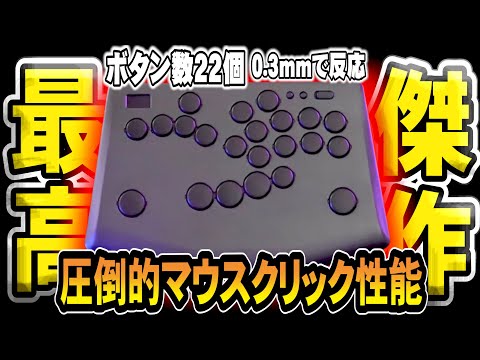
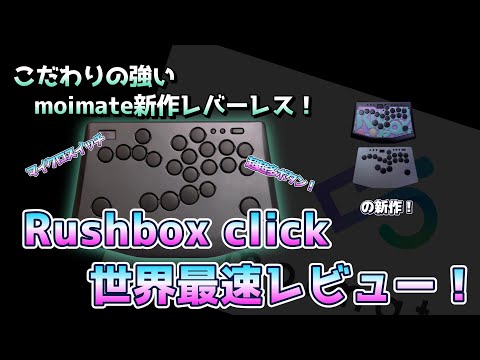
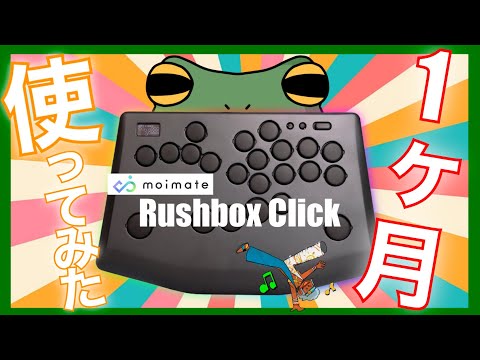
Rushbox Click is built for players who want to push input speed further, with the short stroke and crisp feel unique to microswitches. Its 0.3 mm actuation point and flexible layout with up to 22+2 buttons make quick reactions and precise inputs easier to aim for.
The standard model supports PC / Switch / Switch 2. The PS5-compatible model supports PC / Switch / Switch 2 / PS5. PS5 / PS4 / Xbox can also be used with a separately sold converter.

A short stroke that actuates at 0.3 mm and bottoms out at 0.5 mm. Made for players who want to tighten their response speed.

Place buttons around the thumb side, pinky side, and palm area to match your hands. Unused buttons can be covered with caps.

Designed so the response and feel stay consistent whether you press the center or the edge of a button. This makes slide inputs and repeated presses easier to control.

Fast response with a short stroke, while keeping the bottom-out feel softer. It is comfortable for long practice sessions and extended matches.
Choose between the standard model and the PS5-compatible model based on your play environment.
| Model | ||||
|---|---|---|---|---|
| Switch | Microswitch |
Key switch Hot-swappable |
Key switch Hot-swappable |
Quiet key switch Hot-swappable |
| Actuation | 0.3mm | 1.2mm | 1.2mm | 0.8mm |
| Operating force | 60gf | 40gf | 40gf | 30gf |
| Stroke | 0.5mm | 2.8mm | 2.8mm | 1.8mm |
| Buttons | 22+2 buttons | 18+6 buttons | 18+6 buttons | 16+5 buttons |
| Body shape | Smooth wrist curve | Smooth wrist curve | Chamfered edges | Chamfered edges |
| Top plate customization | × | ○ | × | ○ |
| Material | ABS resin | Aluminum | ABS resin | Layered acrylic |
| Size | 297 x 197 x 22mm | 297 x 197 x 17mm | 297 x 197 x 18mm | 295 x 165 x 15mm |
| Weight | Approx. 1.1kg | Approx. 1.1kg | Approx. 750g | Approx. 650g |
| Tournament lock | ○ | ○ | ○ | × |
| Passthrough | ○ | ○ | ○ | × |
| Purchase | Choose Model | Add to Cart | Add to Cart | Add to Cart |
A. Choose Rushbox Click if you prioritize response speed, Rushbox 2 if you want more customization, Rushbox Lite 2 if you want a strong balance of price and features, and Rushbox Mini if you are buying your first leverless controller.
A. The Rushbox series can be used with major fighting games such as Street Fighter 6, TEKKEN 8, GUILTY GEAR -STRIVE-, 2XKO, and Granblue Fantasy Versus: Rising. It can also be used with non-fighting games as long as the game supports controller input.
A. The Rushbox series supports PC, Nintendo Switch, and Switch 2. It can also be used with PS4, PS5, and Xbox by using a compatible converter sold separately.
A. To use it on PS4 or PS5, you will need a compatible converter sold separately. The Rushbox dedicated converter sold in the moimate shop does not support Rushbox Mini, but Rushbox Mini can also be used if you prepare a compatible converter separately. Please check the compatible converter list for Rushbox Mini for details.
Reference: Rushbox Mini compatible converter list
A. Many users get used to leverless controls in about one to two weeks. Since the button layout can be freely customized, you can find a setup that fits your own play style.
A. Yes. Orders from outside Japan can be placed through the moimate online store. Please note that shipping fees, customs duties, taxes, and import procedures may vary depending on your country or region.
I was not used to playing on pad, so I started looking for a leverless controller and found Rushbox. Since this was my first leverless controller, I was a little worried at first, but I was drawn to the concept of having many buttons and being able to freely change the layout. I was especially interested in the palm buttons. Of course, it depends on the person, but I was able to get used to it in about a week.
みちゃん 様
I really like how thin it is. It is compact enough to use both on a desk and on my lap. The buttons are easy to press, and I think the layout makes it easy to respond quickly.
ガヤン 様
The buttons I want to use change depending on the game, so I set it up so that every button can be used. Being able to switch profiles by game is really helpful, and the setup was easy. I also appreciate being able to save up to four profiles!
The spacing between the buttons is just right—not too wide and not too narrow.
For reference, my hands and finger length are probably about average for an adult male. On a piano, I can just barely reach from C to E with my thumb and pinky.
みゃみゅたまご 様
I switched from a low-cost Chinese leverless controller. The reason I chose this was the freedom of the button layout. In particular, I had been looking for a product with buttons around the lower thumb jump button and an extra upper button for the right index finger. I used those on my previous budget leverless controller, but there were very few higher-end products with that kind of layout. Since Rushbox can be customized, I was able to achieve the layout I wanted and transition very smoothly.
Of course, the buttons and overall feel are also better than what I used before. My previous low-cost leverless controller did not last very long, so I think I will be satisfied with this product in that regard as well.
匿名 様
I have been using it for more than half a year, and the button layout is excellent. It fits my hands very well. I also like that buttons can be added. There are holes exactly where I find myself thinking, “I wish there were a button here,” so it is easy to add buttons right away.
I also like the look of Rushbox Lite. The black-based design suits my taste more. As for durability, it is quite sturdy. Even when I have accidentally hit it a bit too hard, it has continued to work without any issues. Of course, hitting it is not a good thing to do.
りくすつ 様
The response and control are outstanding. The buttons are easy to press, and the responsiveness is excellent. In particular, my perfect parry success rate has improved significantly, so I am very satisfied. It is also nice that it is less tiring even during long play sessions.
Slide inputs are also comfortable. The button texture feels good, and slide inputs are extremely smooth. I can perform moves like Tatsumaki Senpukyaku during combos consistently without mistakes.
When using it on my lap, the stability is easily the best among the leverless controllers I have tried. Drive Impact with the palm button is also very easy to press, and it feels practical for actual matches.
永山久 様

For players who want the fastest response with microswitches.
¥44,000〜